Overview: what happens after someone clicks your ad
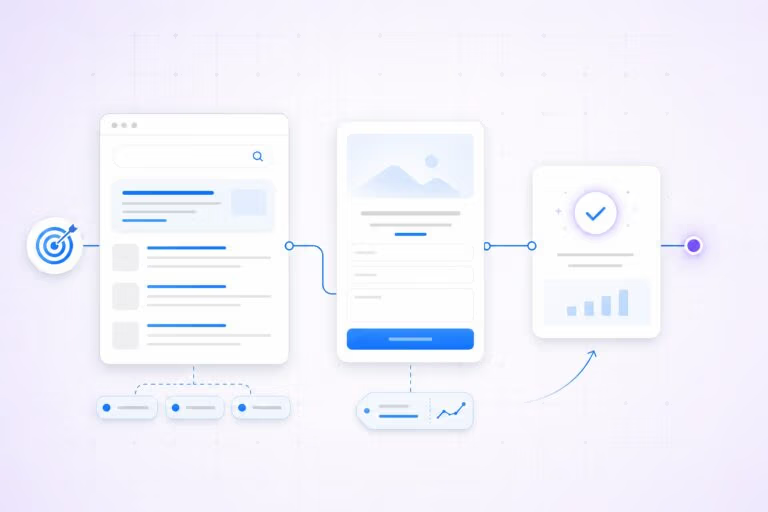
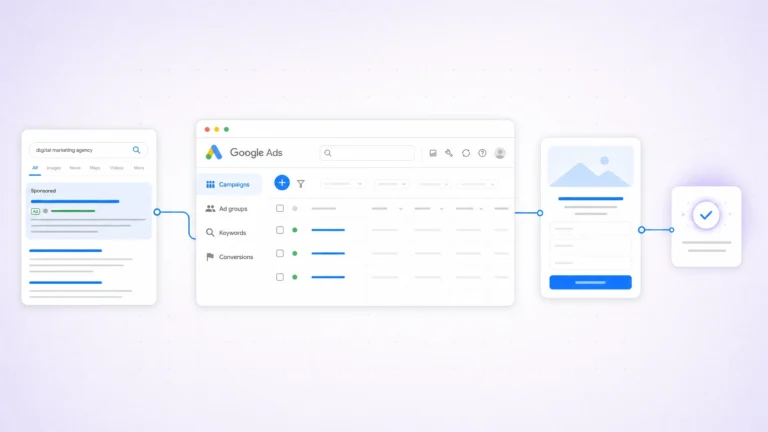
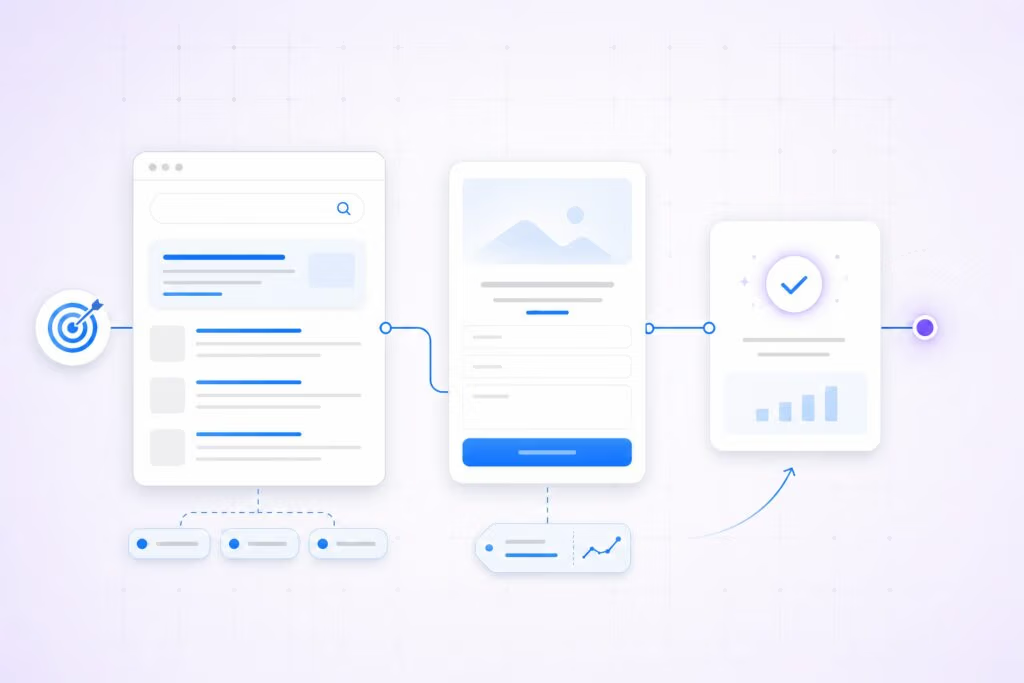
When a user clicks a Google ad, the click creates both an immediate browser-level interaction. It also generates a measurable event in your ad account. The Google Ads lead path can include tracking parameters, an opened landing page, and tag triggers.
If the visitor converts, a conversion is recorded in Google Ads. It may also appear in your analytics and CRM systems.
How reliably that chain completes affects both reported performance and the actual quality of leads you receive.
Step-by-step: the post-click conversion path

1. Click, redirect, and tracking parameters
Google Ads can add a unique click identifier (gclid) to the landing page URL when auto-tagging is enabled. That parameter links the ad click to later conversion events when your site captures it or when tags send conversion data back to Google. If auto-tagging is blocked or lost during redirects, attribution can break.
2. Landing page load and tag firing
Once the landing page loads, analytics and advertising tags (directly embedded or deployed through a tag manager) must fire to record the session and any conversion events. Page speed, client-side errors, and single-page-app routing can prevent tags from firing consistently. Server-side tagging or improved tag placement reduces lost events in many cases.
3. User action and micro-conversions
Conversion events vary: form submits, phone calls, chat starts, downloads, or purchases. Track micro-conversions (time on page, engagement steps, form starts) in addition to primary conversions to better understand lead quality before a final submission.
4. Conversion recording and attribution
A completed action can be recorded directly by Google Ads, by a connected analytics property, or imported later from your CRM. Attribution settings (last click, data-driven, position-based, etc.) determine which click gets credit. For leads that close offline, importing an identifier such as the GCLID or using enhanced conversions helps attribute closed revenue back to the originating ad click.
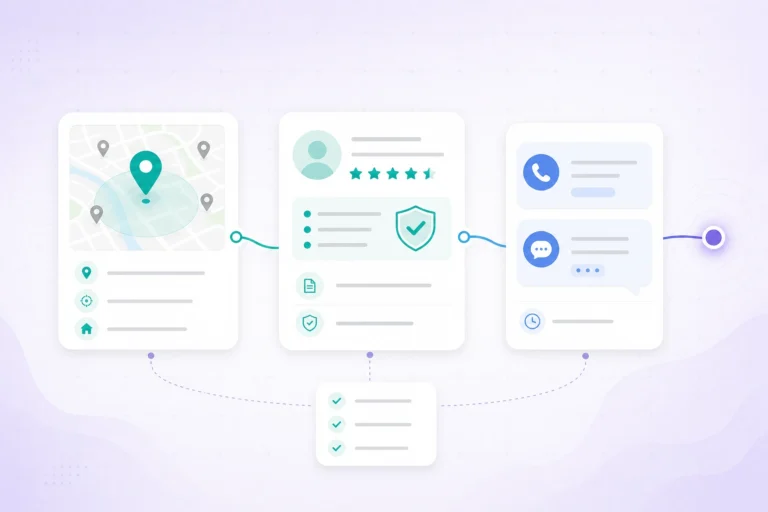
5. Lead routing, enrichment, and qualification
After a conversion, leads usually enter a routing and qualification workflow: CRM capture, automated enrichment (phone validation, firmographics), scoring rules, and assignment to sales. The rules and speed of follow-up strongly affect whether a lead turns into an opportunity, so measurement should track both raw conversions and qualified outcomes.
6. Measurement, feedback, and optimization
To close the loop, feed offline outcomes into the Google Ads lead path. Additionally, this enables optimization toward valuable actions rather than raw clicks.
Use periodic reconciliation of CRM wins to conversions, import closed deals where possible. Moreover, let those signals refine bids, keywords, and creative.
Common tracking gaps and recommended mitigations
- Lost gclid or UTM on redirects: Capture the identifier into a first-party cookie or include it in a hidden form field so it survives navigation.
- Tags not firing: Validate tag firing across devices and use a tag manager or server-side tagging to improve reliability.
- Phone leads not recorded: Implement call tracking with session-level linkage or dynamic number insertion to associate calls with clicks.
- Cross-device conversions: Expect some attribution gaps; use account-level linking (Google Ads + Analytics) and server-side imports where needed.
- Slow sales follow-up: Track time-to-contact and use lead-scoring to prioritize high-value leads for fast outreach.
How this affects lead quality and what to measure
Raw conversion counts do not equal the Google Ads lead path quality.
Additionally, track and report a set of outcomes that reflect quality: qualified leads, meetings set, closed opportunities, and contact rates.
Where possible, import closed outcomes back into Google Ads lead path so bidding and budget decisions optimize toward valuable results.
Practical checklist for improving post-click outcomes
- Enable auto-tagging and verify the gclid is present and captured on your site.
- Store the click identifier in a cookie or hidden form field so it can be imported with the lead.
- Use reliable tag deployment (GTM or server-side) and validate tag firing across browsers and devices.
- Implement call tracking and capture call metadata tied to the session.
- Build a CRM import workflow for offline outcomes and reconcile regularly to measure true lead value.
Next step
If you want help aligning tracking, lead routing, and qualification, review Ikai Media’s Google Ads Management service for a practical approach to closing the measurement loop and improving lead quality.
For official documentation, see Google Ads auto-tagging gclid overview or Set up web conversions in Google Ads.
FAQ
What practical steps can improve post-click outcomes?
First, enable auto-tagging and verify gclid capture.
Next, store the click identifier in a cookie or hidden form field.
Then use a reliable tag deployment (GTM or server-side) with cross-device validation.
Finally, implement call tracking and build a CRM import workflow for offline outcomes.
Additionally, reconcile regularly to measure true lead value.
How should you measure lead quality after post-click activity?
Raw conversion counts do not equal lead quality. Track and report a small set of outcomes that reflect quality, such as qualified leads, meetings set, closed opportunities, average deal size, and contact rates. Where possible, import closed outcomes back into Google Ads to optimize bidding toward the most valuable results.
What are common tracking gaps and how can they be mitigated?
Common gaps include lost gclid or UTM data on redirects, tags not firing, unrecorded phone leads, cross-device conversions, and slow sales follow-up. Mitigations include capturing the identifier in a first-party cookie or hidden form field, using a tag manager or server-side tagging, implementing call tracking with session linkage, accounting for attribution gaps with account-level linking, and tracking time-to-contact with lead scoring to prioritize fast follow-up.
Why is the post-click conversion path important for ad performance and lead quality?
Because the post-click path links the ad click to later conversion events through tracking parameters and tag firing. If any step fails—such as a lost gclid, tags not firing, or slow follow-up—the attribution and the measured value of leads can be distorted, reducing the quality of the leads you receive.
What happens after a user clicks your Google ad?
When a user clicks a Google ad, the click creates an immediate browser-level interaction and a measurable event in your ad account. The click may carry tracking parameters, open a landing page, trigger tags, and, if the visitor converts, be recorded as a conversion in Google Ads or your analytics and CRM systems. How reliably this chain completes affects both reported performance and lead quality.